Client Workflow: Professional Wedding Sign Process
Streamline your wedding sign client workflow. From consultation to delivery, optimize every step for professional efficiency and results.
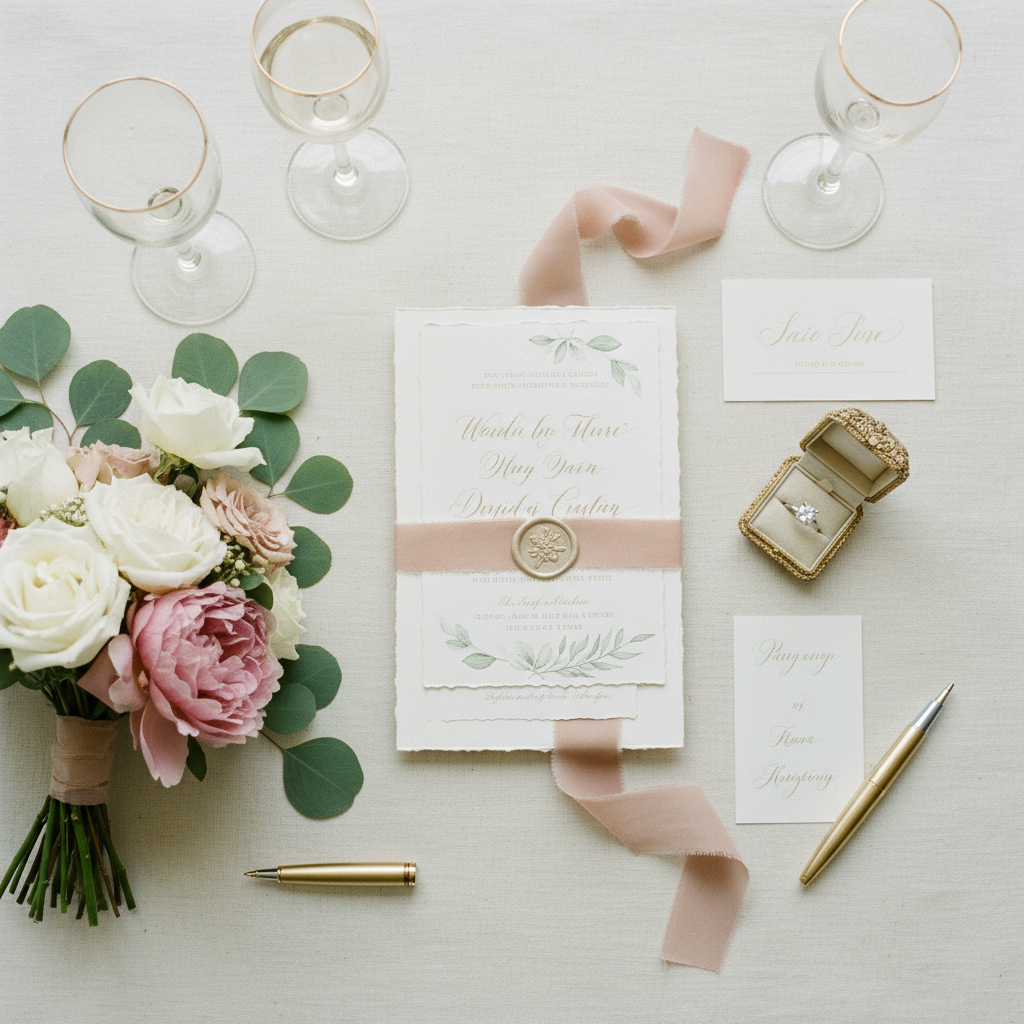
Wedding Sign Client Workflow for Professionals
A structured wedding sign client workflow transforms chaotic projects into streamlined, profitable operations. Professional sign designers who implement systematic processes deliver consistent results, reduce revision cycles, and build stronger client relationships through clear communication at every stage.
If you are building this around repeat client work rather than occasional custom requests, set the operating model first with the business plan for wedding professionals.
Initial Client Consultation Process
The wedding sign client workflow begins with a thorough consultation that sets expectations and gathers essential information. Schedule 30-45 minute discovery calls to understand wedding themes, color palettes, venue requirements, and timeline constraints. Document style preferences through mood boards or reference images, and establish budget parameters upfront to avoid scope creep later in the sign design workflow.
Create a consultation checklist covering wedding date, venue layout, existing decor elements, guest count, and specific signage needs (welcome signs, seating charts, directional signs, table numbers). This professional sign workflow foundation prevents miscommunication and ensures alignment before design work begins.
Design Brief and Requirements Gathering
Transform consultation insights into a comprehensive design brief documenting all project specifications. Your wedding client process should include a standardized brief template capturing typography preferences, color codes, wording requirements, size specifications, and material choices. Request high-resolution venue photos to understand lighting conditions and display contexts.
Clarify deliverable formats early—will clients need print-ready PDFs, editable templates, or physical signs? Professional sign workflow efficiency depends on clear scope definition. Use the AI wedding sign creator to rapidly prototype initial concepts based on brief specifications.
Mockup Creation and Approval Process
Develop initial mockups within 3-5 business days following brief approval. Present 2-3 concept variations showing different design approaches while maintaining brief parameters. Your wedding sign client workflow should include contextual mockups placing designs in venue environments when possible.
Structure approval requests with clear decision frameworks. Ask clients to select one direction for refinement rather than combining elements from multiple concepts. This approach streamlines the sign design workflow and prevents design-by-committee complications. Implement formal approval stages using project management tools or contract management software.
Revision Rounds and Feedback Management
Establish revision policies limiting included rounds (typically 2-3) within your professional sign workflow. Structure feedback collection through forms or shared documents rather than scattered email threads. Request consolidated changes rather than incremental adjustments to maintain project momentum.
Guide clients toward specific, actionable feedback by asking targeted questions: "Does this font match your invitation style?" versus open-ended "What do you think?" Your wedding client process benefits from educating clients on design principles while respecting their vision. Those boundaries should also align with your sign pricing for clients so extra rounds and rush changes do not quietly erase margin.
Production Timeline and Scheduling
Map production timelines working backward from wedding dates, allowing buffer time for unexpected delays. A typical wedding sign client workflow includes: design phase (2-3 weeks), production (1-2 weeks), shipping/delivery (1 week), and installation setup (1-2 days pre-wedding).
Communicate timeline milestones clearly, noting when client delays (late approvals, content changes) impact delivery schedules. Professional sign workflow management requires tracking multiple projects simultaneously—use project management software like Asana, Trello, or Monday.com to visualize deadlines and dependencies.
Quality Control Checkpoints
Implement multiple quality checkpoints throughout your sign design workflow. Proof all text content multiple times—typos on wedding signage are unacceptable. Verify color accuracy through printed samples before full production runs. Test materials for venue conditions (outdoor durability, lighting considerations).
Create pre-delivery checklists covering print quality, proper sizing, mounting hardware, and protective packaging. Your wedding sign client workflow should never skip final quality review, even under tight deadlines. Document quality standards through photography for portfolio and insurance purposes.
Delivery and Installation Coordination
Coordinate delivery logistics 2-3 weeks before wedding dates. Determine whether you'll ship finished products, offer local pickup, or provide full-service installation. Professional sign workflow value increases significantly with installation services—many clients prefer turnkey solutions.
Provide detailed installation instructions with hardware, placement diagrams, and troubleshooting guidance for DIY setups. For installation services, schedule venue walkthroughs confirming placement locations and testing display methods. Build strong relationships with venue coordinators to streamline future projects. Installation gets much easier to scope once it lives inside clearly defined wedding planner sign packages.
Post-Wedding Follow-Up
Complete your wedding client process with post-event follow-up requesting testimonials, photos, and feedback within 7-10 days while experiences remain fresh. Offer incentives (referral discounts, free digital files) for reviews and social media tags expanding your professional visibility.
Archive project files systematically for potential reorders or future client references. Send thank-you notes with small gifts or discount codes for anniversary sign updates. This relationship-building investment generates referrals and repeat business.
Client Communication Best Practices
Maintain consistent communication cadence throughout your wedding sign client workflow. Set response time expectations (24-48 hours for emails) and honor them. Use automated email sequences for onboarding, milestone updates, and feedback requests to ensure no client feels forgotten.
Adopt professional communication tools appropriate for your business scale. Email works for basic needs, but consider client portals (HoneyBook, Dubsado) as you grow. Video messages through Loom add personal touches to complex explanations about the sign design workflow.
Tools and Software Recommendations
Optimize your professional sign workflow with purpose-built tools:
Design Software: Adobe Creative Suite, Canva Pro, or the AI sign creator for rapid prototyping
Project Management: Asana, Trello, Monday.com for timeline tracking
Client Management: HoneyBook, Dubsado, 17hats for contracts and communications
File Sharing: Dropbox, Google Drive for mockup delivery and approvals
Invoicing: QuickBooks, FreshBooks, Wave for payment processing
Integrate tools through automation platforms like Zapier to eliminate manual data entry between systems. Your wedding client process efficiency multiplies when systems communicate seamlessly.
Streamline Your Professional Workflow
Implementing a systematic wedding sign client workflow differentiates professional operations from hobbyist approaches. Clients value predictability, transparency, and expertise—structured processes deliver all three while increasing your capacity and profitability.
Start by documenting your current sign design workflow, identifying bottlenecks, and implementing one improvement at a time. Test the AI design creator to accelerate mockup creation, freeing time for client strategy and relationship building. Your professional sign workflow investment pays dividends through improved client satisfaction, reduced stress, and scalable business growth.
Ready to optimize every stage of your wedding sign projects? Review the full professional resource hub, then use the creator to prototype the next client-facing draft.
Professional Next Steps
Pricing for Clients
Add a pricing strategy to the workflow once delivery is efficient.
Business Plan
See the plan designed for multi-client usage and faster iteration.
Prototype a Client Sign
Apply the workflow immediately inside the creator.